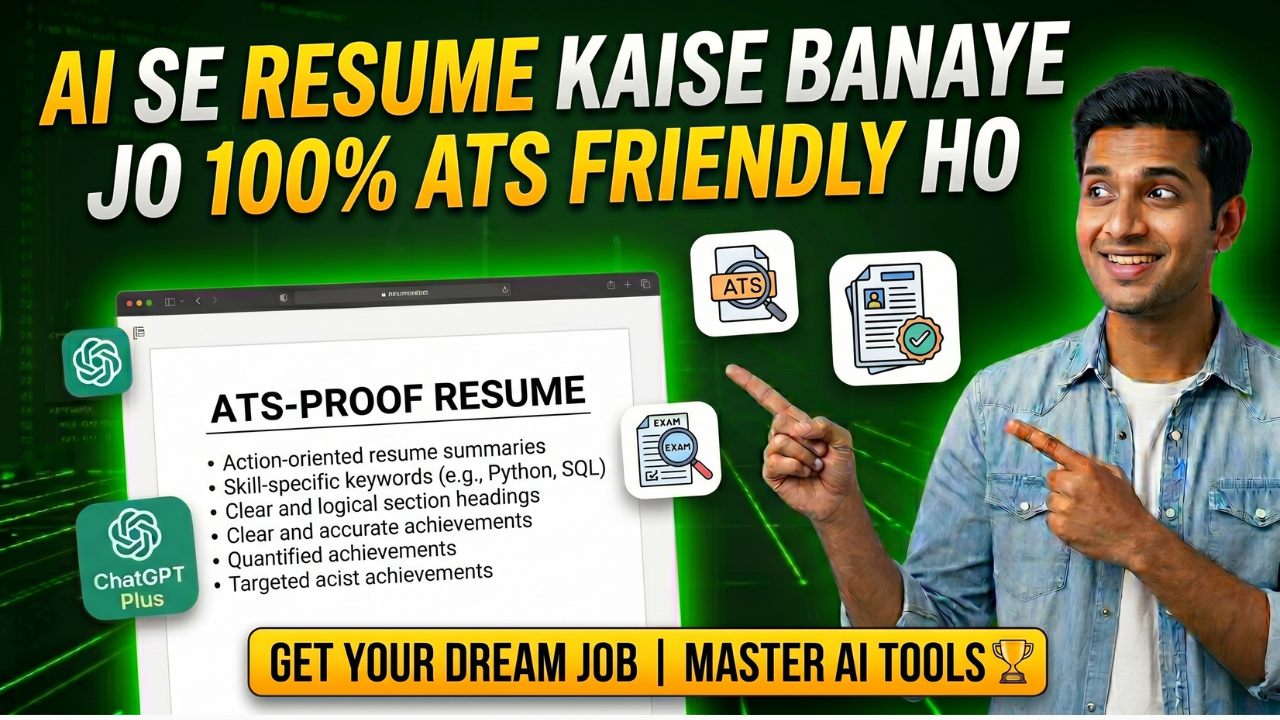
Aaj ke job market mein sirf accha resume like kaafi nahi—woh resume ATS (Applicant Tracking System) ke via bhi pass hona chahiye. ATS software is used by employers to automatically filter resumes, and 75% of those resumes are rejected by ATS, which is a human error. This article explains AI tools step-by-step so that a professional CV can pass the applicant tracking system (ATS) and make an impression on recruiters.
ATS Kya Hota Hai
ATS ek software hai jisko badi companies jaise TCS, Infosys, Wipro, Amazon, Google use karti hain.
Jab tum apply karte ho, pehle ATS tumhara resume scan karta hai — keywords dhundhdta hai,
formatting check karta hai, relevant experience match karta hai. Agar resume ATS criteria match nahi
karta, toh resume automatically reject ho jaata hai — chahe tum kitne bhi qualified ho. Isliye
ATS-friendly resume banana zaroori hai.
Step 1: Job Description Ko ChatGPT Se Analyze Karwao
Jis job ke liye apply karna hai, uski job description copy karo. Phir ChatGPT mein yeh prompt use
karo: ‘Analyze this job description and extract the top keywords, required skills, and qualifications that
I should include in my resume: [paste job description].’ ChatGPT exact keywords nikal dega jo
tumhare resume mein hone chahiye. Yeh keywords hi ATS match karta hai.
Step 2: Resume Content ChatGPT Se Generate Karo
Ab apni information ChatGPT ko do aur resume content banwao. Prompt: ‘Write a professional
resume for a BTech Computer Science fresher with the following details: [apni details paste karo —
internships, projects, skills, education]. Make it ATS-friendly with keywords for [job role].’ ChatGPT ek
structured resume content dega jisme proper action verbs, quantified achievements, aur relevant
keywords honge.
Step 3: Resume Ko Proper Format Mein Banana
ATS ke liye formatting simple rakhni chahiye. Yeh tools use karo: Resume.io, Zety, ya Canva ka
ATS-friendly template. Avoid karo: Tables, columns, graphics, fancy fonts, headers/footers. Use karo:
Simple fonts (Arial, Calibri), clear headings, bullet points, standard sections.
Step 4: Skills Section Optimize Karo
Skills section mein woh exact terms use karo jo job description mein hain. ChatGPT se poochho: ‘List
all technical and soft skills relevant to a [job role] position that I should include in my resume.’ Job
description mein agar ‘Python programming’ likha hai toh resume mein bhi exactly ‘Python
programming’ likho — ‘Python coding’ nahi.
Step 5: Achievements Ko Quantify Karo
ATS aur recruiters dono quantified achievements prefer karte hain. ChatGPT se help lo: ‘Help me
quantify these resume bullets: [paste your bullets].’ Example: ‘Developed a web application’ weak hai.
‘Developed a web application using React.js that reduced page load time by 40%’ strong hai.
Numbers, percentages, scale — sab add karo.
Step 6: ATS Score Check Karo
Resume banane ke baad in free tools se ATS score check karo: Jobscan.co — job description ke
against resume check karo, Resume Worded — detailed ATS feedback, Enhancv ATS checker —
free mein basic analysis. 70% se upar score good maana jaata hai. Agar kam hai toh more relevant
keywords add karo.
Common Mistakes Jo Students Karte Hain
- PDF use karna (kuch ATS Word format prefer karte hain — dono upload karo)
- Fancy template use karna jo ATS read nahi kar sakta
- Objective statement outdated hai — Summary section use karo
- Sab kuch ek resume mein — job ke hisaab se customize karo
- No action verbs — ‘was responsible for’ ki jagah ‘Developed, Led, Managed’ use karo
Read More:
ChatGPT Prompts Jo Har Student Ko Pata Hone Chahiye
Free Mein ChatGPT Plus Kaise Use Kare
ChatGPT Se Assignment Kaise Likhe — Step by Step in Hindi
About the Author